
Tailored Access for Independent Control
The right access method can be life-changing, enabling people to interact with technology, communicate with others and control their environment independently. Access methods and assistive technology provide a vital link between the individual and the devices they rely on every day, helping to increase choice, control and participation in daily life.
Because every person has unique abilities and goals, Possum works closely with users, clinicians and therapists to assess, customise and configure each solution to meet their specific needs.
From simple switches and joysticks to head-operated mice and advanced eye gaze technology, our solutions are designed to provide reliable access to environmental controls, communication aids and digital devices, helping people achieve greater independence and quality of life.
Types of Access Methods
Below are the main access methods available through Possum. Each can be tailored to the individual following a professional assessment.
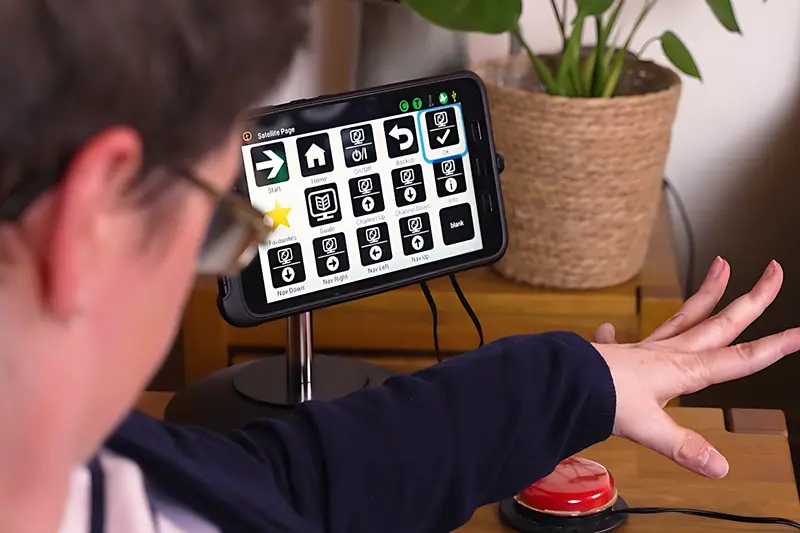
Switches are one of the most versatile access methods and can be activated with a light touch, press, squeeze, sipandpuff, or movement of any reliable body part, such as an elbow or head.
Typical features include:
- Large variety of shapes and sizes
- Adjustable activation force
- Wireless and wired options
- Mounting and positioning solutions
Ideal for users with:
Limited movement, reliable singlepoint activation, or those beginning assisted access.
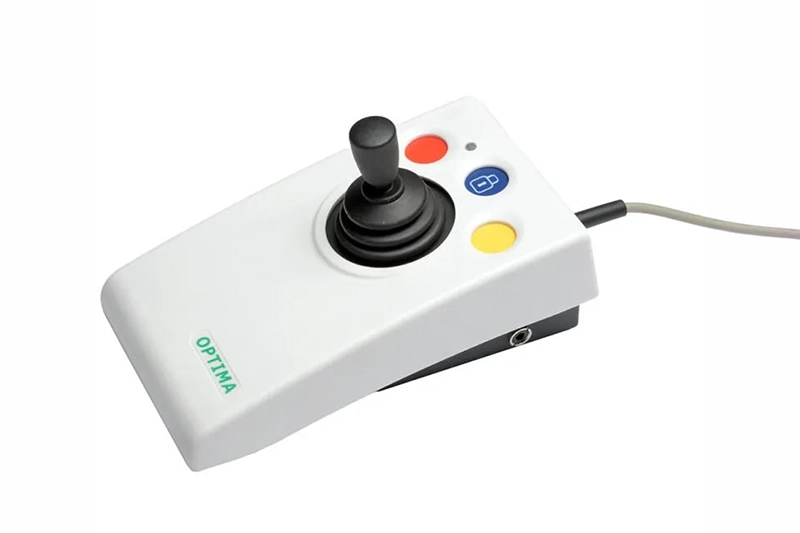
Joysticks provide proportional control, allowing a user to move a cursor or control system through directional movement.
Types of joysticks include:
- Lighttouch mini joysticks
- Larger, more robust joysticks
- Finger, chin, or handmounted options
Ideal for users with:
Controlled fine or gross motor movement in a finger, hand, chin, or similar area.
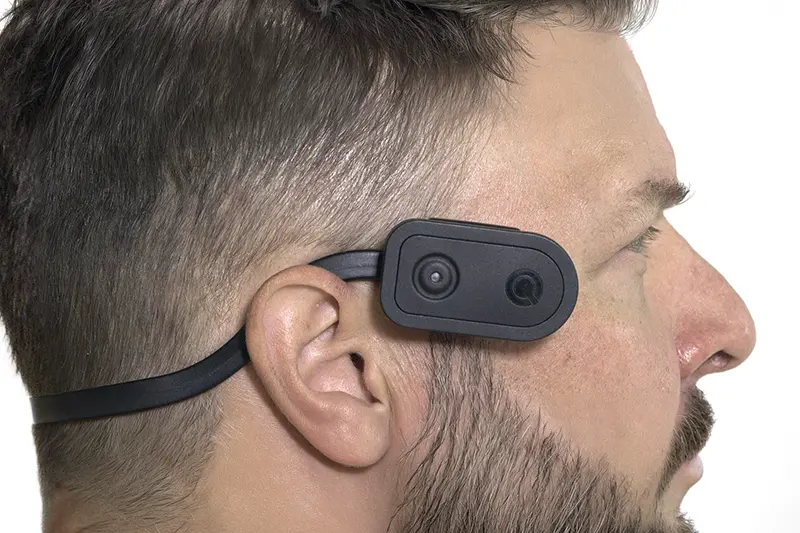
Uses head movements to control a pointer on a screen or interface.
Features often include:
- Wireless sensor or reflective tracking dot
- Smooth pointer movement
- Click activation via switches or dwell selection
Ideal for users with:
Reliable and controlled head movement, even if limb movement is limited.
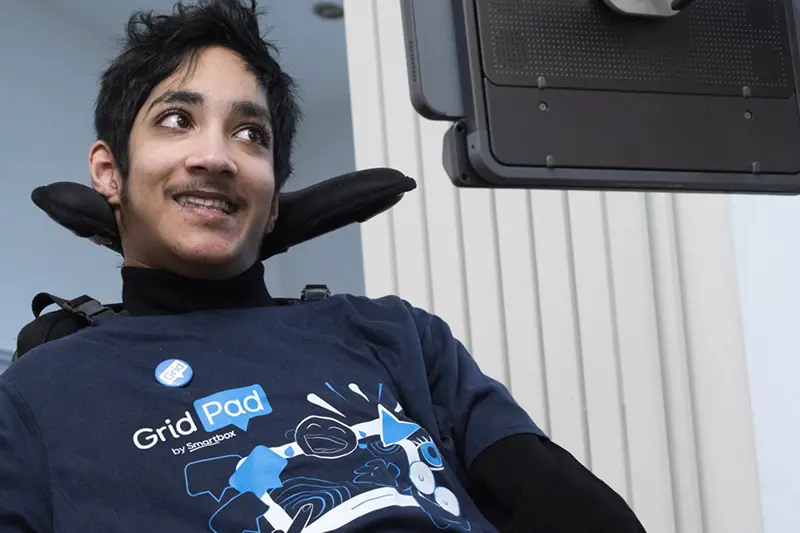
Eyegaze systems track where a user is looking and convert eye movement into precise control.
Key benefits:
- Complete handsfree operation
- High accuracy and speed
- Works with communication devices, computers, and environmental controls
Ideal for users with:
Very limited physical movement but good eye control.
Want to find out which access method is right for you?
To find out which access method is best for you or someone you support, contact us or speak to your local NHS Trust.